


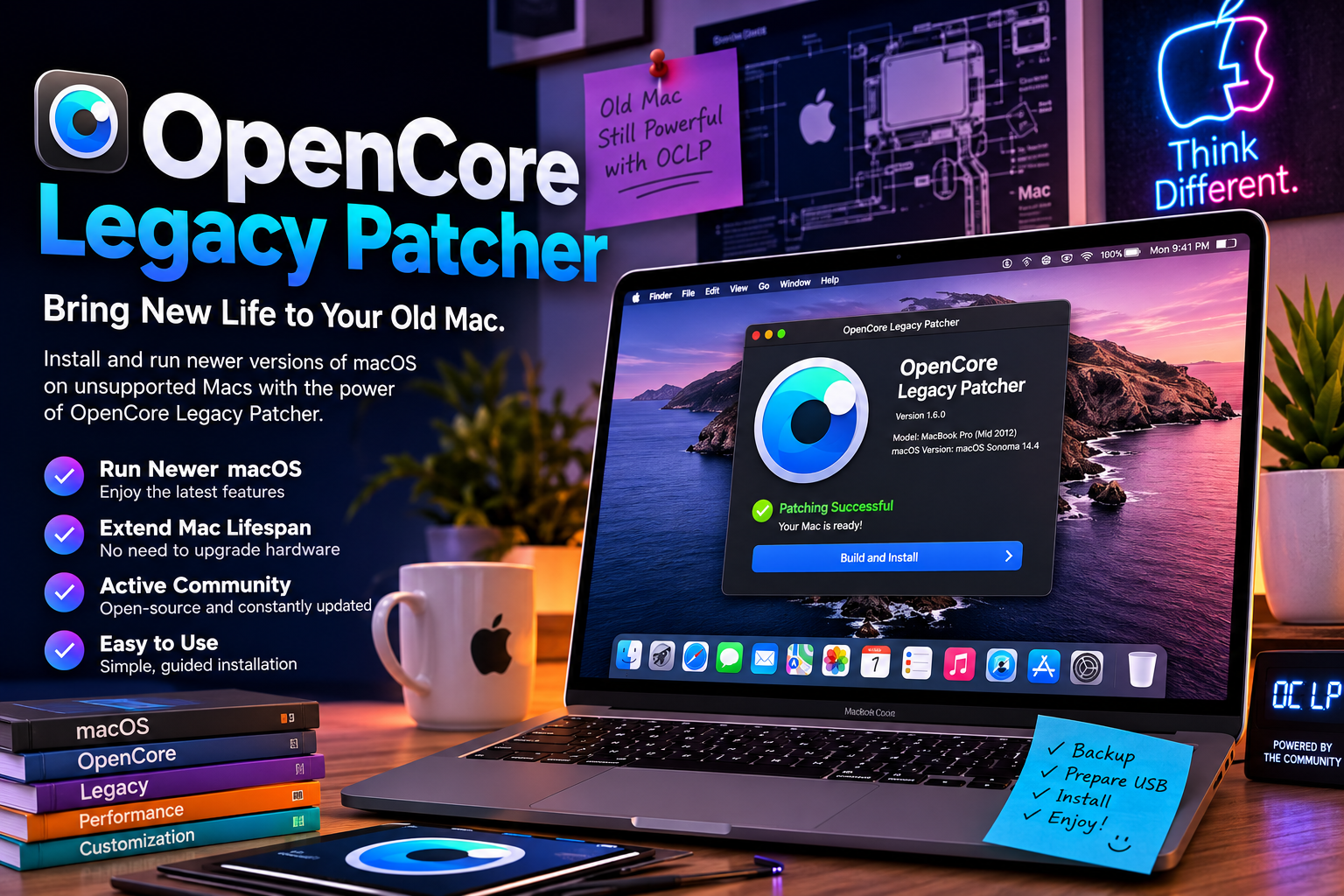
Introduction
OpenCore Legacy Patcher has become one of the most popular tools for Mac users who want to install newer versions of macOS on unsupported Apple computers. Instead of replacing older hardware, many users rely on this project to extend the lifespan of their Macs while gaining access to newer operating system features and security improvements.
Over the past few years, OpenCore Legacy Patcher has attracted a large community of developers and enthusiasts who continuously improve compatibility with older Mac models. The project focuses on making unsupported Macs capable of running modern macOS releases through carefully designed patches and bootloader modifications.
In this guide, you’ll learn what OpenCore Legacy Patcher is, how it works, its benefits, potential limitations, and whether it’s the right solution for your older Mac.
What Is OpenCore Legacy Patcher?
OpenCore Legacy Patcher (often abbreviated as OCLP) is an open-source utility that allows many unsupported Mac computers to install and run newer versions of macOS. It is based on the OpenCore bootloader and applies patches that improve compatibility between older hardware and modern versions of Apple’s operating system.
Instead of permanently modifying macOS itself, the tool prepares the system so unsupported hardware can boot newer operating systems that Apple no longer officially supports. This approach has helped thousands of users continue using older Macs without purchasing new hardware.
The project is maintained by an active community that regularly updates compatibility, fixes bugs, and supports newer macOS releases as they become available.
How OpenCore Legacy Patcher Works
The installation process begins by creating a bootable installer for a supported version of macOS. OpenCore Legacy Patcher then configures the OpenCore bootloader and applies the required patches based on the specific Mac model being used.
After macOS is installed, the tool may apply additional post-install patches. These patches restore hardware functionality such as graphics acceleration, Wi-Fi support, audio, brightness controls, or other system features that may not work correctly on unsupported hardware.
Because every Mac model is different, OpenCore Legacy Patcher automatically detects system information and recommends the appropriate patches, making the installation process much easier than manual modifications.
Benefits of Using OpenCore Legacy Patcher
One of the biggest advantages of OpenCore Legacy Patcher is extending the usable life of older Macs. Many computers that no longer receive official macOS updates can continue running modern software, allowing users to postpone expensive hardware upgrades.
Another major benefit is improved software compatibility. Installing a newer version of macOS allows users to access updated applications, browser versions, security patches, and productivity tools that may no longer support older operating systems.
The project is also completely open source and supported by an active community. Regular updates, detailed documentation, and ongoing compatibility improvements make OpenCore Legacy Patcher one of the most trusted solutions for unsupported Macs.
Things to Consider Before Installing OpenCore Legacy Patcher
Before installing OpenCore Legacy Patcher, it’s important to understand that it is an unofficial solution. While it enables many older Macs to run newer versions of macOS, it is not developed or supported by Apple. Users should be comfortable following technical instructions and troubleshooting minor issues if they arise.
Backing up your Mac is essential before making any system changes. Creating a complete backup with Time Machine or another reliable backup solution ensures that your files can be restored if something unexpected occurs during the installation process.
You should also verify that your specific Mac model is compatible with the version of macOS you plan to install. Although OpenCore Legacy Patcher supports many older Macs, compatibility and hardware functionality can vary depending on the model and operating system version.
Common Features Supported by OpenCore Legacy Patcher
One reason OpenCore Legacy Patcher has become so popular is its ability to restore important hardware functionality on unsupported Macs. Depending on the model, the tool can enable graphics acceleration, Wi-Fi support, Bluetooth functionality, audio drivers, brightness controls, and other essential system features.
The software also simplifies system updates. As new versions of macOS become available, the development community frequently updates OpenCore Legacy Patcher to improve compatibility and provide support for additional hardware configurations.
Another valuable feature is automatic hardware detection. Instead of requiring users to manually configure every setting, the utility identifies the Mac model and recommends the appropriate patches, reducing the likelihood of installation errors.
Advantages and Limitations
The biggest advantage of OpenCore Legacy Patcher is extending the lifespan of aging Apple hardware. Many users continue using Macs that are several years old while still benefiting from newer versions of macOS, updated applications, and modern security improvements.
However, there are limitations to consider. Some hardware features may not function exactly as they do on officially supported Macs, and compatibility can differ between models. Certain updates may also require waiting for the OpenCore Legacy Patcher community to release compatible patches.
Performance expectations should also remain realistic. While many older Macs run newer operating systems surprisingly well, very old hardware may not deliver the same speed or battery life as newer Apple devices.
Why OpenCore Legacy Patcher Continues to Grow
The popularity of OpenCore Legacy Patcher continues to increase because it offers users a practical alternative to replacing older computers. Many Mac owners prefer extending the life of reliable hardware rather than purchasing a new device immediately.
The project’s active open-source community also contributes to its success. Developers regularly improve compatibility, fix reported bugs, and publish detailed documentation that helps both beginners and experienced users complete installations successfully.
As Apple continues releasing new versions of macOS, OpenCore Legacy Patcher remains one of the leading community-driven tools for keeping unsupported Macs functional and up to date.
Frequently Asked Questions About OpenCore Legacy Patcher
Many users ask whether OpenCore Legacy Patcher is safe to use. The tool is an open-source project with an active development community, and many Mac users have successfully used it to install newer versions of macOS on unsupported hardware. However, because it is not officially supported by Apple, users should always download it from its official source, verify compatibility, and create a full backup before making system changes.
Another common question is whether OpenCore Legacy Patcher works on every older Mac. The answer is no. Compatibility depends on the specific Mac model and the version of macOS being installed. Some models offer nearly complete functionality, while others may have limitations involving graphics, Wi-Fi, Bluetooth, or other hardware components.
People also wonder if future macOS updates continue to work after installation. In many cases they do, but users should wait for the OpenCore Legacy Patcher development team to confirm compatibility before installing major macOS upgrades. This helps avoid unexpected issues that could affect system stability or hardware support.
Tips Before Installing OpenCore Legacy Patcher
Before using OpenCore Legacy Patcher, make sure your important files are backed up. A complete Time Machine backup or another reliable backup solution provides peace of mind and makes recovery much easier if something goes wrong during installation.
It’s also wise to read the official documentation and compatibility information for your exact Mac model. Spending a few minutes preparing beforehand can prevent installation problems and ensure you understand any hardware limitations that may apply.
Finally, avoid rushing into major macOS updates immediately after they are released. Waiting until the OpenCore Legacy Patcher community confirms support for the latest version helps provide a smoother upgrade experience.
Conclusion
OpenCore Legacy Patcher has become one of the most valuable community-developed tools for extending the lifespan of unsupported Macs. By allowing many older Apple computers to run modern versions of macOS, it enables users to continue benefiting from newer software features, improved security updates, and broader application compatibility without immediately replacing their hardware.
Although the installation process requires careful preparation and is not officially supported by Apple, the project’s active development community, detailed documentation, and frequent updates have made it a trusted solution for thousands of Mac enthusiasts worldwide.
If you’re considering upgrading an older Mac, OpenCore Legacy Patcher is worth researching. By confirming compatibility, creating reliable backups, and following official installation instructions, you can significantly extend the useful life of your Mac while enjoying many features of newer macOS releases.